2026-07-05
Why bother
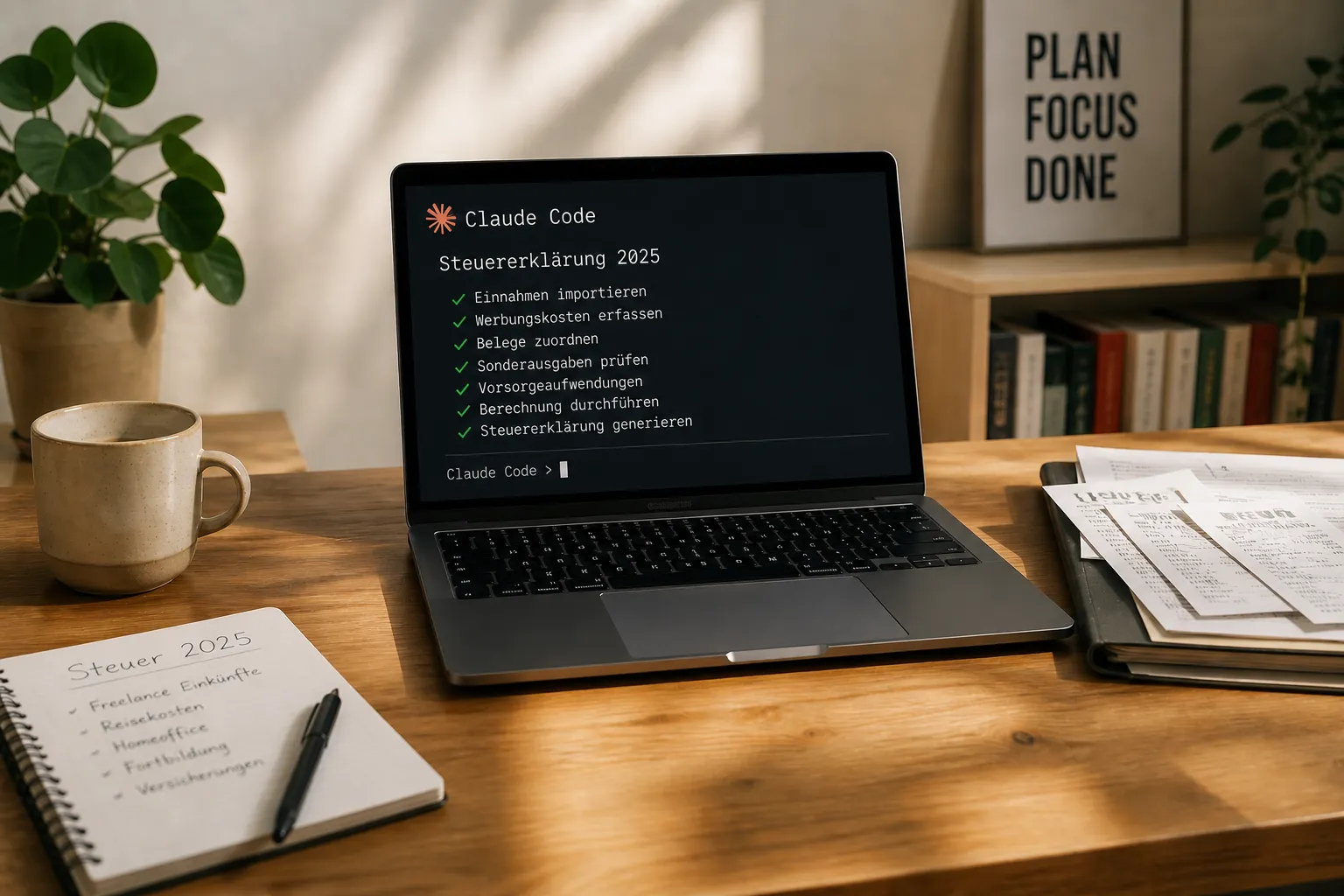
If you're employed in Germany and sold a bit of crypto on the side that you held for less than a year, you're required to file. In previous years I used software from Buhl. At its core it was almost like ELSTER (the official German tax portal), but with the nice bonus that it automatically asked what percentage of an item I wanted to deduct. This time I didn't want to pay extra for software and went straight to ELSTER. And since I work a lot with Claude Code in the terminal anyway, it seemed natural to do the whole thing together with it.
Setup
Linux, Claude Code in the terminal, plus an MCP server that controls Firefox. I vibe-coded that one myself, because I could and felt like it. If you don't want to do that, you're not out of luck — there are ready-made browser MCPs on the market, and for Chrome there's even an official one from Anthropic.
Around that, the usual suspects on the console, which Claude used through the Bash interface: pdftotext for taking invoices apart, pandoc with xelatex for self-made supporting documents, ImageMagick and heif-convert for iPhone photos.
So Claude could pull DOM snapshots from the live browser tab, fill in fields and place clicks, while in parallel generating documents on the shell, converting PDFs and rendering tables.
What Claude actually did
Advice on what's deductible
Before I even opened a form, we went through the whole situation once. Which work-related expenses are worth claiming, is the KAP annex (for capital gains) worth it for the stocks, and what does supplementary dental insurance actually do for me tax-wise?
Every question got an answer with real reasoning, instead of the usual "ask your tax advisor" boilerplate. On the KAP question, for example: my personal marginal tax rate is higher than the flat capital gains tax, so better to leave it. On the dental insurance: as an employee, the cap for other pension and insurance expenses is already exhausted by health and long-term care insurance contributions, so the tax effect would be zero. No point entering it at all.
The nicest insight came at the very end. The landlord's utility bill with its household-related services can, by taxpayer's choice, be claimed in the year you received the statement, not in the year of the original prepayment. With landlords who send the statement sometime in the following year, that's convenient. And it's a lever that's deducted directly from the tax owed, not just from income.
Browser control in the tax portal
Claude filled in the actual form through the Firefox MCP project. DOM snapshot, element reference, click, type, next. Every now and then a fresh snapshot to reorient.
The tax portal is not the friendliest playground for this. The Content Security Policy is strict and blocks eval(), which rules out any form of script injection. What remains is DOM reads and clicks via the extension API. A few <select> dropdowns completely ignore synthetic click and keyboard events; those I quickly clicked myself. The time-tracking calendar sat in an <iframe> that can't be reached directly from the main page. Workaround: pull the iframe URL via browser_query_selector, open it in a new tab, done.
I had expected the auto-logout after half an hour. It didn't get in the way, though — progress is saved reliably and re-login takes you straight back to where you left off.
Data extraction and generating documents
Some supporting documents Claude built from scratch.
The list of home office days came from the time-tracking calendar. Claude went through the calendar grid cell by cell, classified the day codes (Tel, moA, URL, DR, Kr) and built a Markdown table for the whole year from it. Monthly totals on top, individual days below. Via pandoc and xelatex that became a PDF I could upload directly.
The FIFO aggregate position for crypto was the most involved document. From the Kraken statement (PDF), Claude extracted purchases and sales, cleanly distinguishing between trading fees and SEPA bank charges. That's not cosmetics — the bank charge does not belong in the acquisition costs of the coins. One aggregate position per coin, plus a gains table, all of it rendered as a PDF again. In the ELSTER input field the label was too long at first; one iteration later it fit. Important side note: the trading fees on the disposal belong in their own field, not in the sale proceeds.
The GitHub Copilot invoices come in US dollars. Claude opened all the monthly PDFs with pdftotext, summed the amounts and converted them to euros using the annual average exchange rate. The bulk upload afterwards was a single click in the file picker.
For the photographed utility bill, a HEIC file straight from the iPhone, it was a quick heif-convert to JPG, then magick to PDF, uploaded.
Plausibility checks and finding my own mistakes
In two places Claude straightened out my own crypto spreadsheet. One sale quantity had an extra digit in it — a classic typo, caught while cross-reading against the original statement. And I had wrongly put a SEPA deposit fee into the acquisition costs of the coins. It doesn't belong there.
Exactly the kind of things that slip through without a second look. For that, a counterpart that stubbornly checks every line against the source is worth gold.
What didn't work
A few dropdowns flat-out refused to respond, presumably a mix of CSP and the portal's particular implementation. There I quickly clicked myself. The portal's OCR misread the amount on a USD invoice, which doesn't matter. The authoritative value comes from my own expense breakdown; the document is just evidence.
The final submit button I deliberately pressed myself, too. An AI sending a tax return with electronic authentication to the tax office is one step too far for me. At least for now.
Conclusion
I was done faster than in previous years. More importantly: I was done with considerably more confidence in the result. The documents are clean, the allocations documented, and there's a clear justification for every entry. If the tax office asks, I can say exactly where each number comes from and why it's there.
Would I do it this way again? Yes, but without switching off. Claude revised its own suggestions several times as soon as I pushed back. That's good, but it also means you have to stay alert yourself. A two-person operation, where one of the two persons happens to be an LLM.
Postscript
The tax assessment has arrived. The return went through without objection — the tax office didn't request a single additional document. Every item was accepted exactly as filed. So the diligence with the supporting documents paid off — or at least did no harm.
Disclaimer: This is not tax advice. AI output must be checked; the responsibility stays with the user. When in doubt, see a tax advisor.